
Selecting the right mobile holder for cycle navigation on Singapore’s Park Connector Network (PCN) requires balancing structural security, vibration protection, and weather adaptability. While the PCN offers a scenic and well-mapped pathway across the island, the combination of tropical heat, sudden downpours, and varied path textures presents unique challenges for smartphone mounts. A secure, highly visible, and vibration-damped mount ensures you can navigate safely without risking damage to your expensive device or losing focus on the shared paths.
To find the ideal mobile holder for cycle trips, you must look beyond basic clamps. The best option is one that keeps your phone stable over transition joints and speed bumps, protects its delicate internal camera sensors, and allows you to view navigation cues clearly under the bright afternoon sun. This guide breaks down the essential features, compatibility checks, and safety practices to help you choose the perfect mount for your PCN adventures.
Understanding the PCN Cycling Environment
Singapore’s Park Connector Network is a world-class infrastructure, yet it is far from a perfectly uniform surface. While the paths are primarily paved and smooth, cyclists frequently encounter concrete transition joints, drainage grates, yellow tactile paving blocks near crossings, and raised speed bumps designed to slow traffic. Riding over these features at typical cruising speeds creates continuous, low-amplitude vibrations and sudden, sharp jolts. A mount without adequate grip or shock absorption can easily slip, rotate, or allow the phone to shake loose entirely.
Products mentioned in this guide
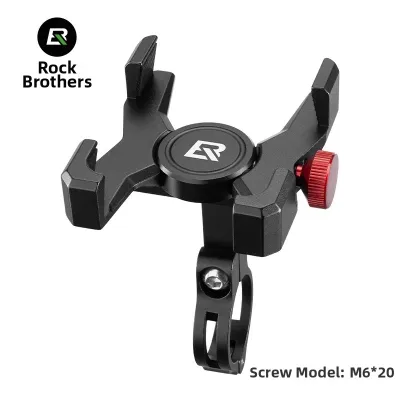
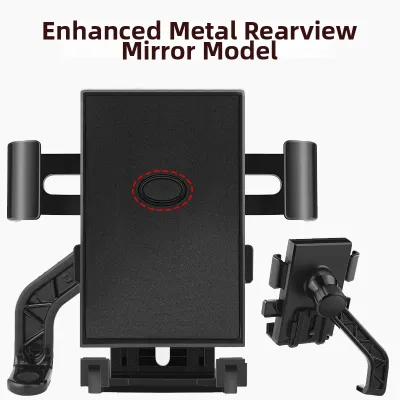
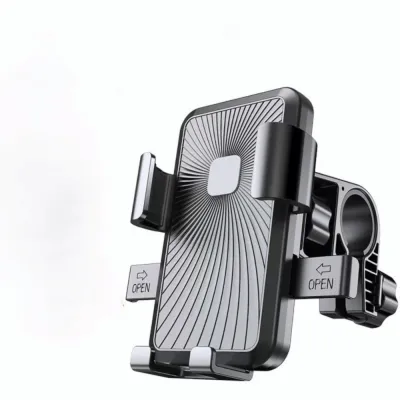
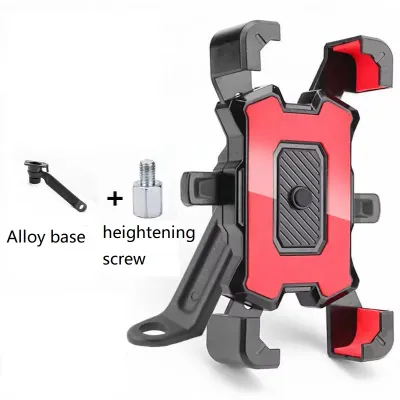
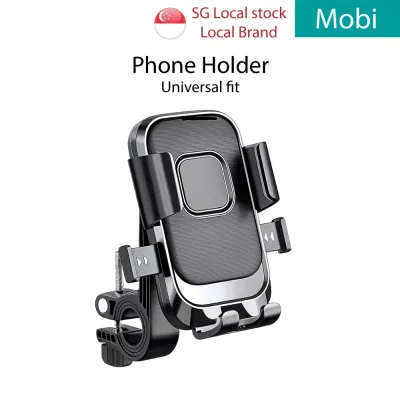
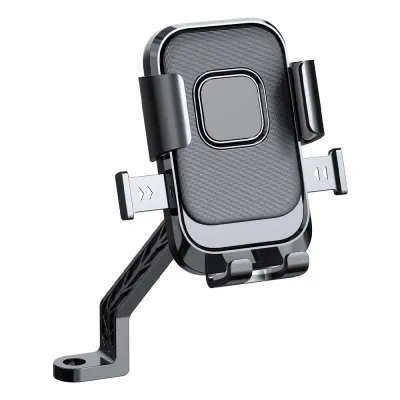
![[SG Seller] Bike & Motorcycle Phone Mount | 360° Rotation Silicon Bicycle Handlebar Rack Cell Phone Holder for Scooter Stroller Compatible iPhone 11 Pro Max SE X Xs Xr 8 7 6 Plus Samsung Galaxy Nexus](https://img.lazcdn.com/g/p/4fd0e0c40f5277ef74ea2b70385e80f6.jpg_400x400q80.jpg_.webp)
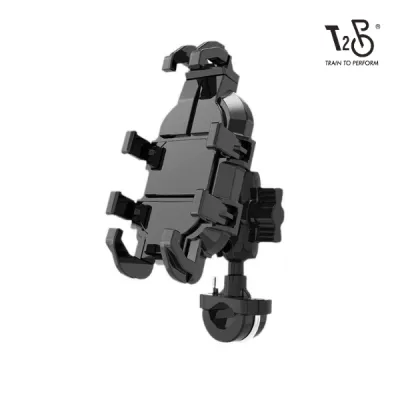
Prices are valid at publication and may change. Please refer to the product page for the latest price.
The tropical climate of Singapore introduces another layer of difficulty. High humidity levels can cause condensation to build up, while intense direct sunlight raises the operating temperature of your phone rapidly. Furthermore, the extreme sun glare during midday rides can render smartphone screens virtually unreadable. Cyclists must also contend with sudden, heavy tropical squalls that can drench equipment within seconds, demanding a setup that can handle rapid weather transitions.
Finally, navigating the PCN requires a high level of situational awareness. Because these paths are shared with pedestrians, runners, active commuters, and personal mobility device (PMD) users, you cannot afford to look down at a poorly positioned screen for more than a split second. The primary use case for a phone mount here is quick, glanceable navigation. Your setup must position the screen within your natural line of sight so you can follow turn-by-turn directions without compromising your awareness of the traffic and pedestrians around you.
Core Features for a Navigation-Focused Mobile Holder
When searching for a mobile holder for cycle use, understanding the technical differences between mounting styles and materials will help you make a reliable purchase. The right combination of features ensures your phone remains securely attached to your handlebars regardless of sudden stops or weather shifts.

Mounting Mechanisms and Security
Mounts generally fall into three categories: hard plastic or metal clamps, flexible silicone strap systems, and proprietary quick-release or magnetic-mechanical systems. Hard clamps offer excellent structural security and are typically bolted or screwed tightly around the handlebar. While highly secure, they are bulkier and require tools for installation. Silicone strap systems, on the other hand, are lightweight, tool-free, and highly versatile, wrapping around almost any handlebar shape. However, continuous exposure to high UV levels and humidity can cause silicone to degrade and lose elasticity over time, requiring regular inspection for micro-tears.
Magnetic-mechanical and proprietary twist-lock systems represent the premium tier of phone mounts. These systems require a matching phone case or an adhesive adapter on the back of your device. They offer the fastest engagement and a exceptionally clean, low-profile look on your cockpit. When evaluating these quick-release designs, always verify the locking mechanism’s resistance to accidental bumps. Ensure the mount features a physical secondary lock that prevents the phone from twisting free if you accidentally brush against it while walking your bike or stopping at a crossing.
Vibration Damping and Camera Protection
Modern smartphones are equipped with highly sensitive camera systems featuring Optical Image Stabilization (OIS) and closed-loop autofocus. These systems rely on microscopic gyroscopes and electromagnets to suspend the lens and counteract hand tremors. When a smartphone is rigidly clamped to a bicycle handlebar, the high-frequency micro-vibrations from road textures, concrete joints, and tactile paving are transmitted directly into the device. Over time, this continuous vibration can fatigue and permanently damage the delicate physical mechanisms of your phone’s camera, resulting in blurry photos or a rattling lens.
To prevent this costly damage, look for mobile holders that incorporate dedicated vibration-damping modules or thick silicone isolation pads. Premium mounting systems often offer add-on vibration dampeners specifically engineered to absorb high-frequency road buzz. If you ride a modern flagship smartphone with a high-end camera, investing in a mount with verified vibration-isolation properties is highly recommended to safeguard your device’s hardware.
Weather Resistance and Glare Management
In a tropical climate, choosing between an open mount and an enclosed waterproof pouch involves a significant trade-off. Open mounts leave the phone’s body exposed, which allows maximum airflow to cool the device while riding. This exposure is crucial because modern smartphones generate substantial internal heat when running GPS navigation and operating at maximum screen brightness. If you use an open mount, ensure your smartphone has a certified dust- and water-resistance rating (such as IP68) to handle sudden rain showers.
Conversely, fully enclosed waterproof pouches offer absolute protection against heavy downpours, but they act as greenhouses in direct sunlight. Without airflow, the trapped heat can cause your phone to overheat, dim its screen automatically, or shut down entirely to protect its battery. If you prefer the security of an enclosed pouch, look for models that feature integrated ventilation paths or a built-in sun visor. A sun visor or an adjustable ball-joint mount that allows you to tilt the screen away from direct sunlight is incredibly useful for minimizing glare and maintaining visibility during morning or late afternoon rides.
Ensuring Compatibility with Your Bike and Phone
Before purchasing a mobile holder, you must perform a few quick physical checks on your bicycle and smartphone setup to guarantee a secure fit and optimal placement.
- Measure Handlebar and Stem Diameters: Bicycle handlebars are not uniform; they typically measure 22.2mm, 25.4mm, or 31.8mm (oversized) at the clamping area. Ensure the mount you choose includes sizing shims or adjustable straps that match your specific handlebar diameter to prevent the mount from slipping or rotating forward when riding over bumps.
- Account for Phone Case Thickness: Always check the maximum width, height, and depth specifications of the mobile holder. Many clamps are designed for bare phones and may not accommodate the extra thickness of rugged protective cases, wallet cases, or integrated ring stands.
- Choose Your Mounting Location:
- Stem-Mounted Setups: Positioning the mount directly over the stem cap keeps your cockpit clean, improves aerodynamics, and places the screen in a central, highly readable position. This setup is ideal if your handlebars are crowded with other accessories.
- Handlebar-Mounted Setups: These are easier to install and offer highly adjustable positioning, allowing you to tilt or rotate the phone freely. However, they occupy valuable handlebar space and can crowd other essential safety gear.
- Check Cable and Accessory Clearance: Ensure the installed mount and your phone do not pinch or interfere with brake cables, gear shifters, bicycle bells, or front safety lights. Your safety lights must always remain unobstructed for night riding along the PCN.
Practical Tips for Safe Navigation on the PCN
To get the most out of your navigation setup while maintaining safety and protecting your gear, integrate these practical habits into your riding routine.
First, rely heavily on audio cues or voice navigation. By pairing your phone with a pair of bone-conduction headphones (which keep your ears open to ambient sounds) or setting your phone’s speaker to a clear, moderate volume, you can navigate the PCN via spoken directions. This practice significantly reduces the time your eyes spend looking down at the screen, allowing you to focus entirely on the path ahead, watch for pedestrians, and anticipate sharp corners or sudden stops.
Second, always protect your investment when taking a break. The PCN features numerous scenic rest stops, convenience stores, and food centers. Because most high-quality mobile holders feature quick-release mechanisms, make it a habit to detach your phone and take it with you whenever you step away from your bicycle. Leaving an expensive smartphone unattended on a parked bike, even for a quick drink run, exposes you to preventable theft.
Finally, optimize your phone’s system settings before you push off. Running GPS navigation under direct sunlight drains batteries rapidly. Manually adjust your screen brightness to a level that is readable but not excessively bright, and set your screen timeout to keep the display active only when approaching turns if your navigation app supports it. Carrying a compact power bank in a top-tube bag or frame bag can provide a reliable backup charge for longer journeys, such as completing the Round Island Route.
Frequently Asked Questions (FAQ)
Is a fully enclosed waterproof pouch necessary for PCN rides?
For most riders in Singapore, a fully enclosed waterproof pouch is not strictly necessary and can often be counterproductive. While these pouches offer excellent protection against heavy rain, they trap heat and prevent air circulation, which frequently causes smartphones to overheat and shut down under direct tropical sunlight. If your smartphone has a modern water-resistance rating (such as IP67 or IP68), using a high-quality open mount is generally a more practical choice. The open design allows continuous airflow to cool the device while riding, and the phone can easily withstand a sudden passing shower. If you do encounter a severe downpour, it is always safest to seek shelter under a PCN bridge or pavilion and temporarily stow your phone in a dry bag.
Will a standard hard plastic clamp damage my carbon handlebars?
Yes, clamping a rigid, hard plastic or metal mount directly onto carbon fiber handlebars can cause structural damage if overtightened. Carbon fiber is highly sensitive to localized crushing forces. To protect your handlebars, always check the bicycle manufacturer’s torque specifications and instructions before mounting accessories. Never clamp hard materials directly onto carbon; instead, use mounts that include soft rubberized inner padding or carbon-specific shims that distribute clamping pressure evenly. Alternatively, consider using a stem-cap mount or a strap-based silicone holder, both of which avoid applying direct, concentrated clamping force to the carbon handlebar tubes.
Community discussion
Share your experience or ask a question. Comments are reviewed before publication.