
Choosing the right XOSS bike computer depends on matching your primary cycling discipline with the device’s core capabilities. Whether you are commuting along the local Park Connector Network (PCN), training for endurance road races, or exploring gravel trails, identifying your specific data and navigation needs will help you select a model that offers the right balance of features, battery life, and sensor compatibility without paying for unnecessary upgrades.
A dedicated bike computer improves your riding experience by keeping your smartphone safely tucked away in a jersey pocket or frame bag, preserving its battery life for emergencies. By understanding how different models handle GPS tracking, sensor connectivity, and route navigation, you can make an informed decision that aligns perfectly with your cycling habits and budget.
Identify Your Primary Cycling Discipline and Needs
Before looking at specific device features, evaluate where and how you ride. Casual commuters and recreational cyclists who stick to well-marked paths like the PCN generally require minimal data. For these riders, tracking basic metrics such as current speed, total distance, and elapsed time is usually sufficient to monitor progress and log weekly mileage.
Products mentioned in this guide
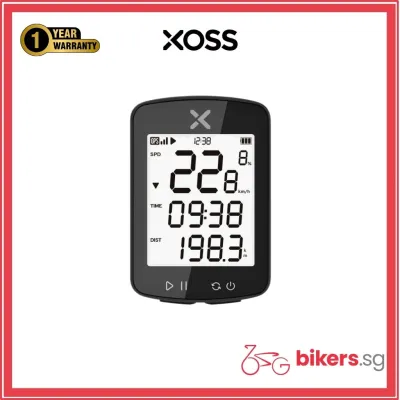
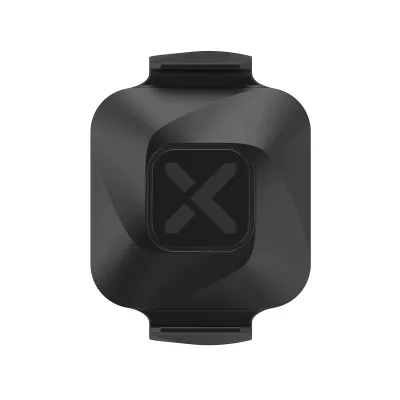
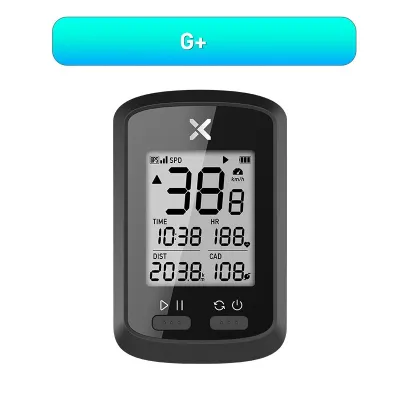
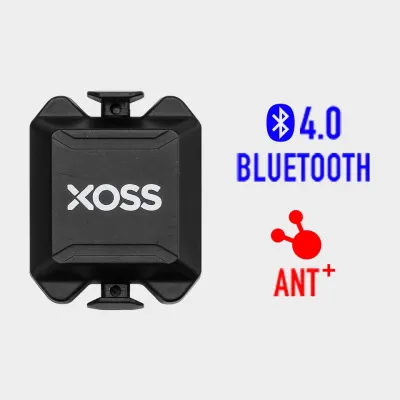
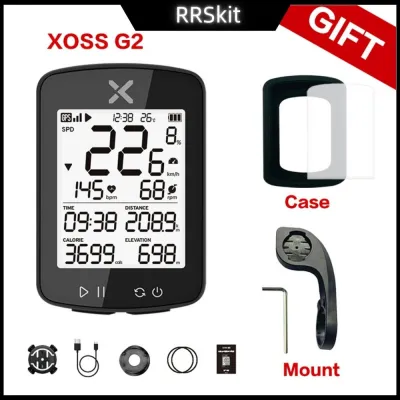
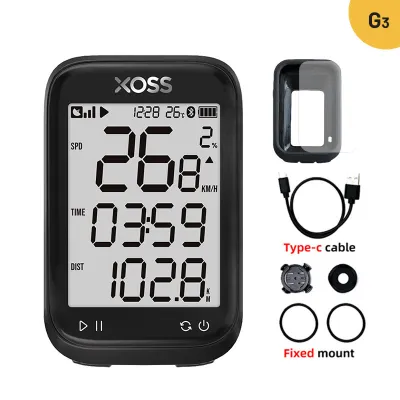
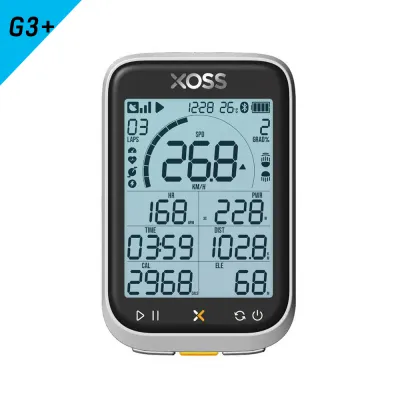
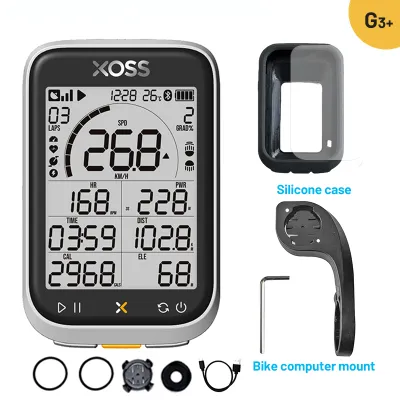
Prices are valid at publication and may change. Please refer to the product page for the latest price.
Road cyclists and fitness enthusiasts training for specific performance goals require a much deeper level of data integration. To structure workouts effectively, you need real-time feedback on cadence, heart rate, and sometimes power output. This necessitates a bike computer that can seamlessly pair with external sensors and display multiple data fields simultaneously on a single screen.
Gravel riders, bikepackers, and off-road trail explorers have entirely different priorities, centering on navigation and environmental resilience. When riding unfamiliar routes or deep in forested trails, having a clear map display with turn-by-turn prompts prevents wrong turns and ensures safety. These disciplines also demand extended battery life, as rides often last all day or span multiple days without access to charging points.
Environmental factors play a massive role in device usability, especially in tropical climates characterized by intense sunlight and sudden, heavy downpours. A bike computer must feature a highly visible screen that remains readable under direct glare and a robust water-resistance rating to survive unexpected rain. Furthermore, physical buttons are often far more reliable than touchscreens when operating the device with sweaty hands or while wearing full-finger cycling gloves.
Compare XOSS Bike Computer Categories by Feature Sets
The XOSS product lineup can be broadly categorized into three functional tiers, each designed to serve different cycling needs and budgets. Understanding these categories allows you to narrow down your choices based on the level of technology required for your typical rides.

Entry-level GPS models focus on simplicity, ease of use, and essential tracking. These devices utilize built-in GPS chips to calculate speed, distance, and altitude without requiring any external sensors on your bicycle frame. They are highly valued by commuters and casual riders for their long battery life, straightforward setup, and budget-friendly price point, making them an excellent entry point into GPS-enabled cycling.
Sensor-integrated models represent the mid-tier category, introducing wireless connectivity protocols such as ANT+ and Bluetooth. This capability allows the computer to pair with external heart rate monitors, speed sensors, and cadence sensors. These models are designed for cyclists who want to transition from basic tracking to structured training, providing the necessary data streams to analyze effort, pedaling efficiency, and cardiovascular strain.
Navigation and advanced models occupy the top tier, featuring larger displays, enhanced processing power, and dedicated mapping capabilities. Instead of just recording GPS coordinates for post-ride analysis, these devices display active maps and provide turn-by-turn directions to guide you along pre-loaded routes. They also tend to offer more customizable data screens and deeper integration with training software, making them suitable for long-distance touring and competitive training.
Because product lineups, model names, and firmware features are updated frequently, it is essential to verify the latest specifications on the official XOSS website or through authorized local retailers before making a purchase. This ensures that the specific model you are considering supports the exact features and sensor types you require for your rides.
Key Specifications to Verify Before You Buy
When comparing different bike computers, reviewing the technical specifications on the product label or manufacturer’s datasheet will help you avoid compatibility issues and ensure the device meets your expectations.
First, examine the display technology and control interface. Transflective screens are highly recommended for outdoor cycling because they reflect ambient light, making the display sharper and easier to read in bright sunlight. Check if the device features an automatic backlight that activates at sunset, which is crucial for evening commutes or early morning training sessions. Additionally, verify the layout of the physical buttons to ensure they are easy to press while riding.
Second, evaluate the battery life specifications under realistic usage conditions. While manufacturers advertise maximum battery runtimes, these figures are often achieved under optimal conditions with backlights turned off and no external sensors connected. If you plan to pair multiple sensors via ANT+ and keep the screen backlight active, expect the actual battery life to be lower than the maximum rating, and choose a model that offers a comfortable safety margin for your longest planned rides.
Third, consider mounting compatibility and physical dimensions. Most modern bike computers use a standard quarter-turn mounting system, but it is important to verify whether the package includes a basic stem mount or an out-front mount. An out-front mount positions the computer ahead of your handlebars, keeping the screen closer to your natural line of sight and improving safety by reducing the distance you must look down to check your data.
Finally, check the data syncing capabilities and companion app requirements. The bike computer should connect reliably to your smartphone via Bluetooth to upload ride files. Verify that the official companion app is compatible with your phone’s operating system and supports automatic syncing to popular third-party fitness platforms, allowing you to share your rides and track your long-term progress effortlessly.
How to Match Your Riding Style to the Right XOSS Model
To finalize your decision, apply a structured framework that matches your primary riding style and existing equipment to the appropriate category of bike computer.
If your rides consist primarily of casual weekend trips along the PCN, daily commutes to work, or relaxed social rides, an entry-level GPS model is the most practical choice. It provides all the essential data you need to track your fitness and log your routes without the complexity or added cost of external sensors.
If you are focused on improving your fitness, joining fast group rides, or training for local cycling events, opt for a sensor-integrated model. Before purchasing, verify whether your existing heart rate monitors or cadence sensors use standard ANT+ or Bluetooth protocols, as proprietary sensors from other brands may not pair correctly with standard bike computers. This setup allows you to monitor your training zones and pedaling efficiency in real time.
If you love exploring new roads, planning long-distance gravel routes, or traveling to unfamiliar cycling destinations, invest in a navigation-focused model. The ability to follow a pre-loaded route map directly on your handlebars reduces navigation anxiety and keeps you on course.
Lastly, consider your budget in S$ and weigh it against the actual necessity of advanced features. While a navigation-enabled model offers impressive capabilities, a mid-tier sensor-compatible model often provides the best value if you primarily ride familiar local routes and prioritize training metrics over active map guidance.
Frequently Asked Questions (FAQ)
Do XOSS bike computers work with third-party sensors?
Yes, most sensor-compatible XOSS bike computers are designed to work with third-party sensors, provided they use standard ANT+ or Bluetooth wireless protocols. This open compatibility allows you to pair the computer with heart rate straps, speed sensors, cadence sensors, and power meters from various manufacturers. However, you should always check the specific model’s official specification sheet to confirm which sensor types are supported, as entry-level models may lack external sensor connectivity entirely.
How do I sync my ride data to platforms like Strava?
Syncing your ride data typically involves pairing your bike computer with the official companion mobile app via Bluetooth after completing your ride. Once the ride file is uploaded from the device to the app, the app can automatically sync the data to third-party platforms like Strava, provided you have linked your accounts and granted the necessary permissions. To ensure a smooth data transfer, verify the current app compatibility, required mobile operating system versions, and integration settings on your smartphone’s official app store.
Community discussion
Share your experience or ask a question. Comments are reviewed before publication.